preview before you commit
see the proposed filename changes before anything is touched. no mystery operations, no crossed fingers.
turn a folder full of Humble Bundle comics and ebooks into a library you can actually browse. preview every change, rename safely, and undo the whole batch when you need to.
free download · pay what you want · local-first · no account required
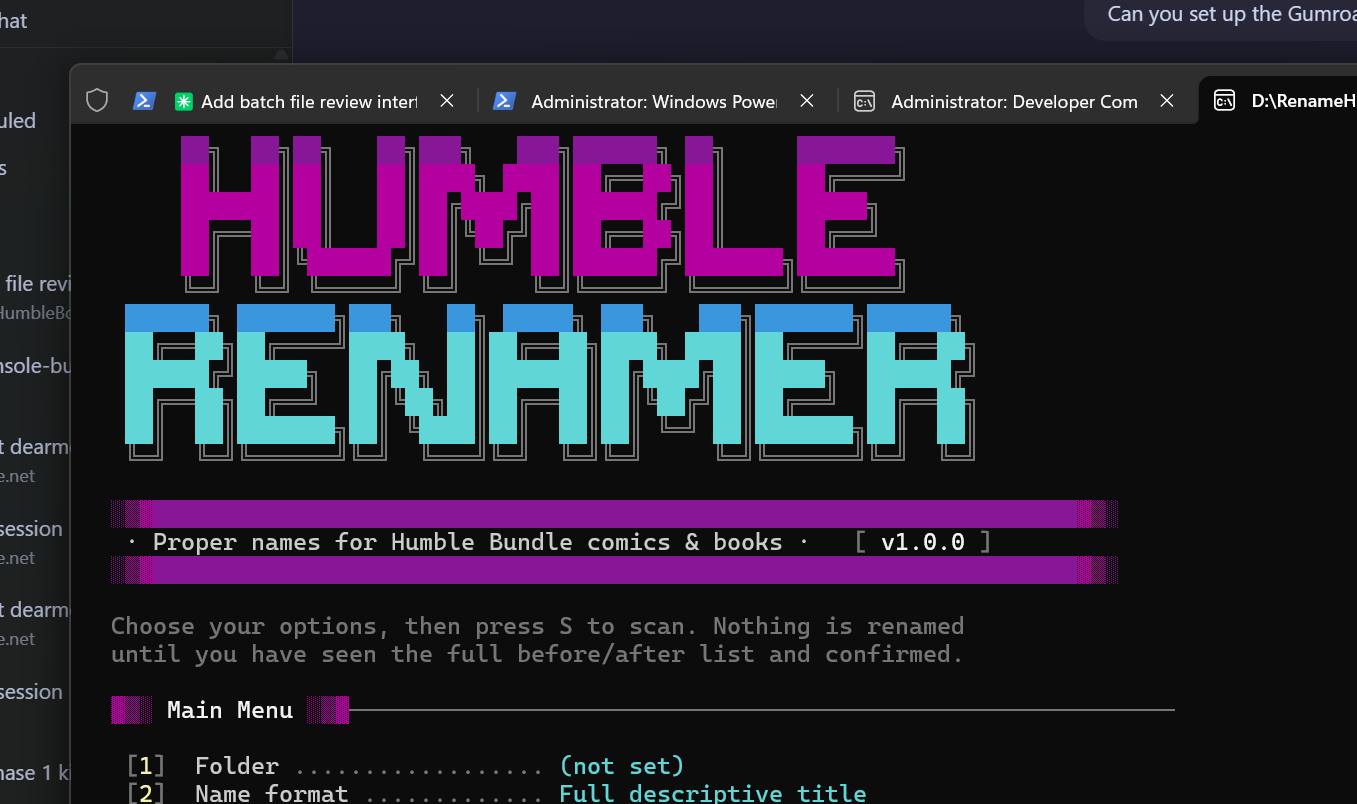
bundle downloads are convenient. their filenames are often not. Humble Renamer turns the noisy metadata into consistent names without making you hand-edit every file like it’s 1997.
see the proposed filename changes before anything is touched. no mystery operations, no crossed fingers.
apply the whole cleanup in one operation, then roll it back as one operation if you change your mind.
made for the comics and ebooks that pile up after a good bundle gets the better of your self-control.
point Humble Renamer at the folder where your bundle downloads landed.
review the before-and-after list and make sure the cleanup looks right.
commit the changes, enjoy the tidy filenames, and undo if you need to rewind.
grab the current package from gumroad, or inspect the code first on github.